
Your Skool communities, backed up and offline
Skool Backup makes a complete copy of the groups you are a member of: posts with every comment, courses and lessons, calendar, files and videos. You browse and search it like Skool – without internet and without Skool.
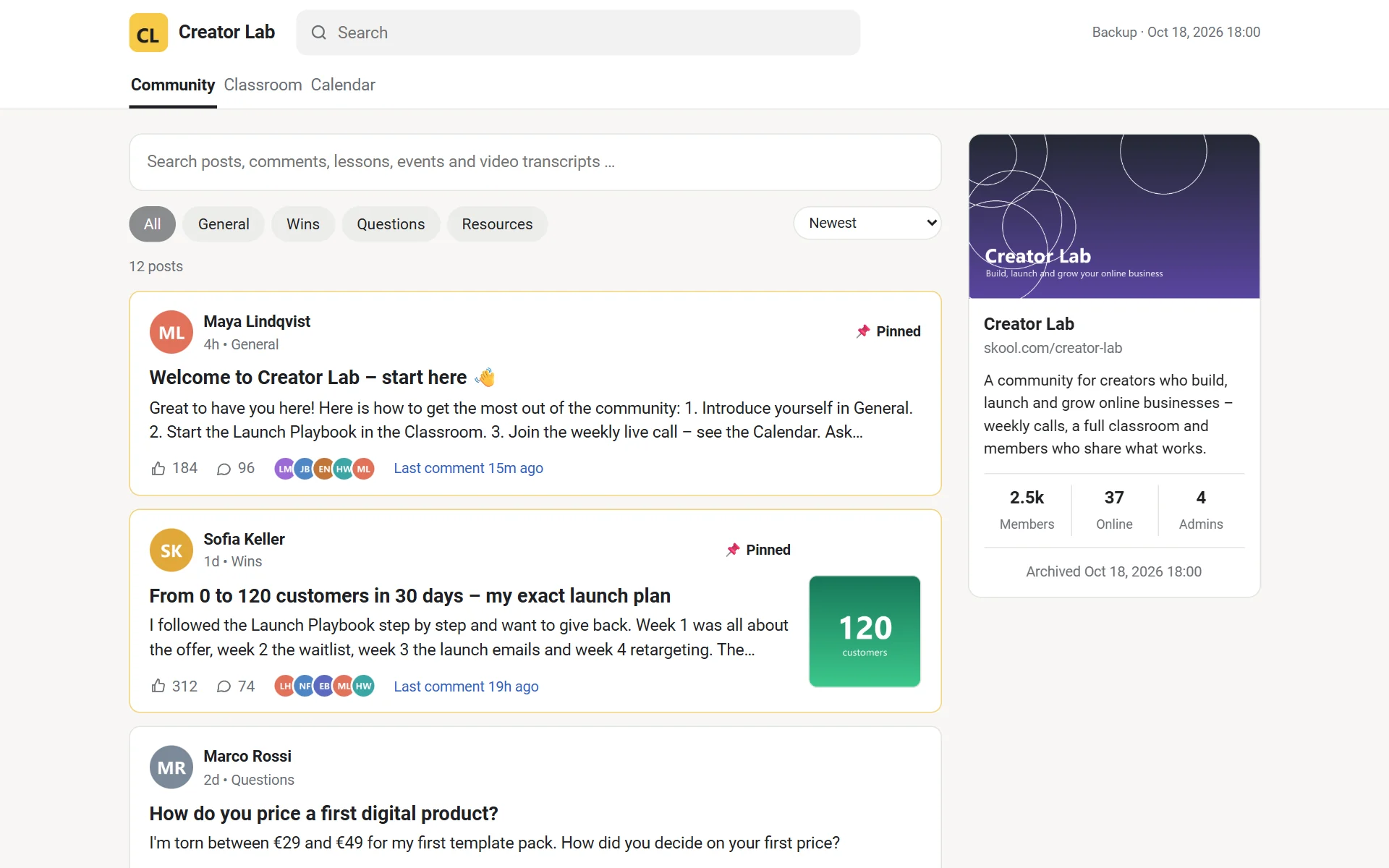
What gets backed up
Everything you can see in your groups
The first run takes everything; after that only what is new or changed. Content deleted on Skool stays in your archive.
The archive
Looks and works like Skool
Plain HTML on your disk – open it in the app or any browser, copy it anywhere. The pictures show a demo community.
The app
Back up with one click
Find your groups, start the backup, watch every running video – pause and continue whenever you want.
Videos
Built for big communities
Thousands of videos from Skool, Loom, Vimeo and YouTube – you decide what is worth the disk space.
Download
Download Skool Backup
Windows 10/11 (64-bit)
Everything is included – no Python or other tools to install. Updates arrive through the app.
What's new in this version
All changes
First start
- SmartScreen: Windows warns about new programs without a certificate. “More info” → “Run anyway”.
- Log in: Accounts → Log in. A Chrome window opens; log in to Skool there. The login stays on this PC.
- Add groups: Accounts → Find my groups, tick the groups you want – or paste a group URL under Groups.
- Back up: Backup → Start backup. Progress and every running video are shown live; pause and continue any time.
- Open: Groups → Open shows the archive in its own window.